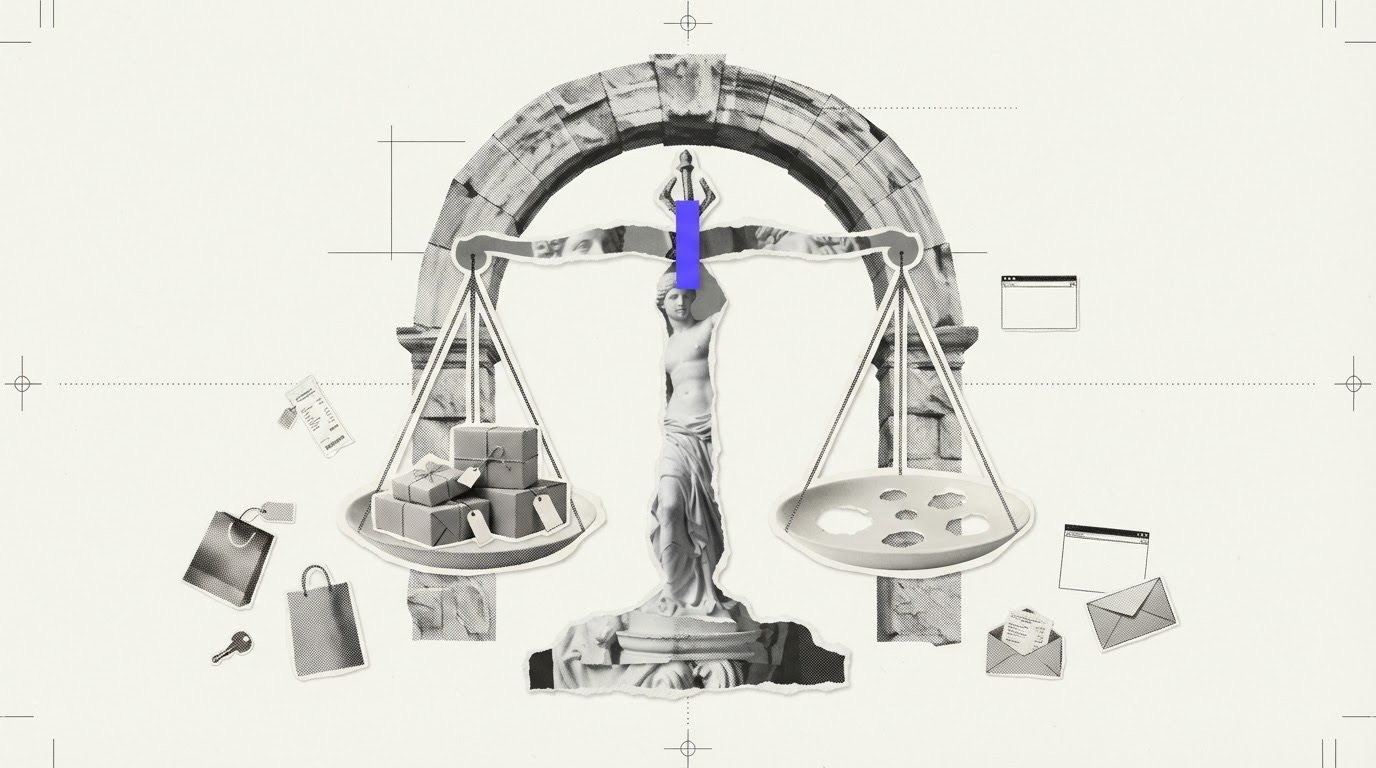
Every test that measures a store from the outside misses some things. A security layer stops the request, no product page can be found automatically, a file doesn't open in time. At that point a test has two easy options: count what it couldn't see as a pass, or count it as a fail. Both are wrong. The first inflates the score; the second punishes the store for something it may not have done.
Specoria takes a third path: it marks the check couldn't check, takes it out of the score and shows the reason next to it.
What taking it out of the score means
Every check in the free test has a published weight, and the weights add up to 100. When a check couldn't be checked, its weight leaves both the numerator and the denominator. The score is calculated only from checks that were actually measured. A check we couldn't check is never counted as passed, and never as zero.
There is a limit: if the measured weight is below 30, no score is shown at all and the result says "insufficient measurement". Giving a number when very little was seen puts more trust in that number than it deserves.
Why we show the reason
"Couldn't check" on its own says little. For a store owner the real question is: is this something I can fix, or a limit of the test? So the result shows a short reason in brackets next to the label, with the detail in the row itself. The reasons are:
- Security layer blocked us. The site's bot protection stopped our scan. What you can do: check how your bot protection treats verified agents and browsers that identify themselves. Real agents may come with other identities and networks and may not hit the same wall, but if they do, the sale is lost.
- No product page found. The test couldn't find a product page automatically from the homepage, so the product checks couldn't be measured. What you can do: make sure the homepage links plainly to products and that your sitemap lists product URLs. The deep audit reviews these checks by hand.
- Not visible from outside. Some things can't be seen without a real browser (guest checkout, for example). What you can do: this isn't a gap on your side but a limit of the test. The deep audit measures these with a real browser.
- File didn't open. A file such as robots.txt or the sitemap couldn't be read because of a server error or a timeout. What you can do: check that the file responds quickly and reliably; agents try to read the same file.
- Nothing to compare. For example, to compare the price on the page with the structured data, one of the two sides wasn't found. What you can do: publish structured data (Product, Offer) on product pages; only then can the comparison be made.
- Time ran out. The scan has a 20-second time budget; anything it can't reach in time is marked couldn't check. What you can do: pages that respond slowly are slow for agents too. Running the test again a few minutes later can also change the result.
- Site rate-limited us. The site answered with "try again later" (HTTP 429). We don't count that as a block: we wait as long as the site asks and retry once. If it's still limited, the check is marked couldn't check. What you can do: a rate limit is a more agent-friendly way to slow down abusive traffic than a CAPTCHA; you're using the right tool.
Couldn't check is not the same as not applicable
There is also a not applicable result. It means the check doesn't make sense for this site: a cart check on a hotel site, for example. A check that doesn't apply also stays out of the score, but it describes the type of site, not a limit or a problem. Showing both under one label would hand a store owner the wrong to-do list.
How a store owner should read these results
- Look at critical blockers first. A hard refusal (for example HTTP 403) is a blocker and caps the score; couldn't check is not a blocker.
- Then read the reasons on the couldn't-check rows. Security layer, no product page and file didn't open are often in your hands. Not visible from outside is a limit of the test.
- Read coverage together with the score. Above the result, it says how many checks were measured and how many couldn't be checked. A high score with low coverage says less than the same score with broad coverage.
What this test doesn't see
Every test should state its limits. The free test doesn't try adding to cart or guest checkout with a real browser; it can't see shipping and return settings in Google Merchant Center and Search Console; and it doesn't measure real agent answers, that is, whether your store gets recommended. Those are measured in the deep audit and the agent simulation. The full rules are on the methodology page.
An honest score says as much as it saw. It doesn't hide what it couldn't see, inflate it or punish it; it gives the reason and points you to what you can fix.